
How to Self-Host PocketBase
PocketBase is a compact application backend built around SQLite. A single executable provides a database, authentication, file storage, real-time subscriptions, an administration interface, and an HTTP API. It fits prototypes, internal tools, and small applications where a full database and API stack would be unnecessary.
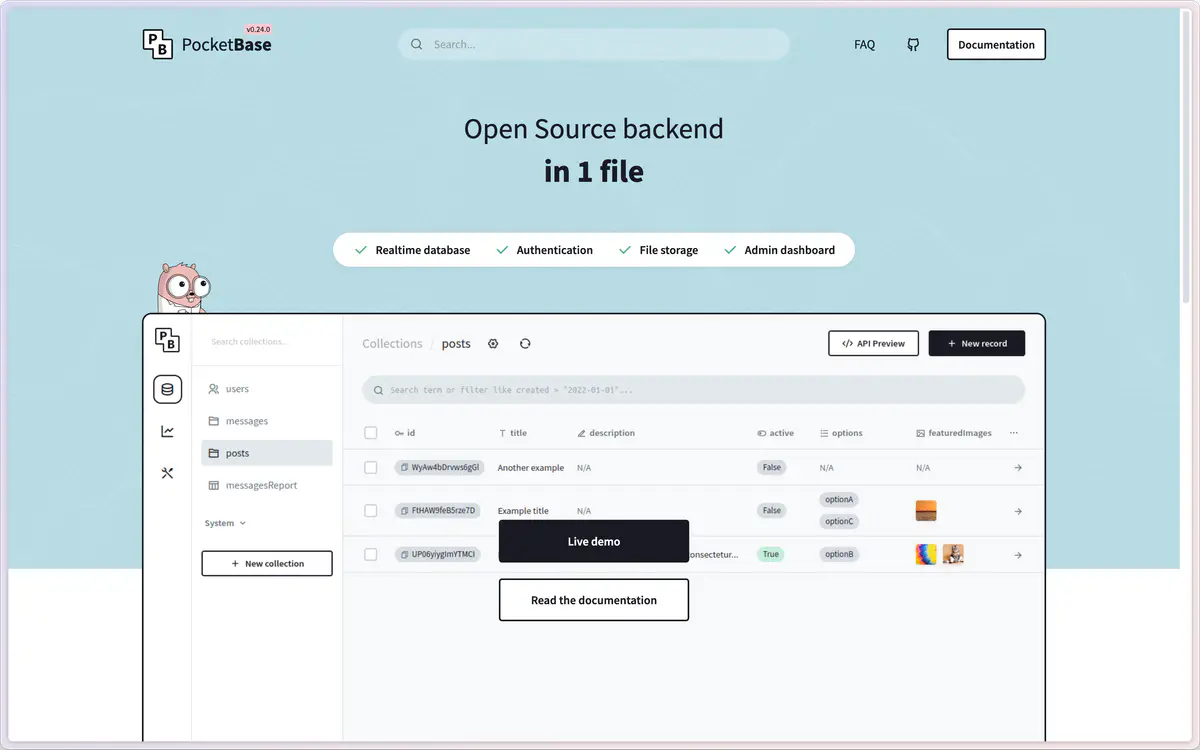
When PocketBase is a good fit
Choose PocketBase when one small service can own the application's data and traffic. It is especially useful for solo projects, local-first companions, and modest internal systems. The single-binary design makes deployment and backup easy to understand.
Do not treat it as a transparent replacement for a distributed database. SQLite writes are coordinated by one process, horizontal scaling requires application-level planning, and the project remained pre-1.0 at the time of this review. Read the official release notes before upgrading.
Minimal Docker Compose deployment
PocketBase does not publish an official Docker image, so production operators should either run the official binary directly or build an image from a pinned release. The persistent directory is /pb_data in many community images.
services:
  pocketbase:
    image: ghcr.io/muchobien/pocketbase:0.23.12
    restart: unless-stopped
    ports:
      - "127.0.0.1:8090:8090"
    volumes:
      - ./pb_data:/pb_data
Bind the service to localhost and publish it through a reverse proxy with TLS. After the first start, create the initial administrator through the documented setup route and then restrict access to the administration interface.
Backups and recovery
The data directory contains the SQLite database and uploaded files. Back up the whole directory as one consistent unit. PocketBase includes backup controls in the administration interface, but you should also copy archives to a different machine or object store.
Test a restore by starting the same pinned PocketBase version against a copy of the backup. Confirm that users can authenticate, records are readable, and uploaded files load. A backup that has never been restored is only an assumption.
Production checklist
- Pin a PocketBase version instead of tracking
latest. - Terminate HTTPS at Caddy, Traefik, nginx, or a trusted tunnel.
- Restrict the administration path with an additional network or identity layer.
- Keep the data directory on persistent storage and monitor free disk space.
- Export backups off the host and perform a scheduled restore test.
- Review migration notes before every upgrade.


